 Deutsch
 English
 Español
 Italiano
 Türkçe
 Français
 Русский
 Hrvatski
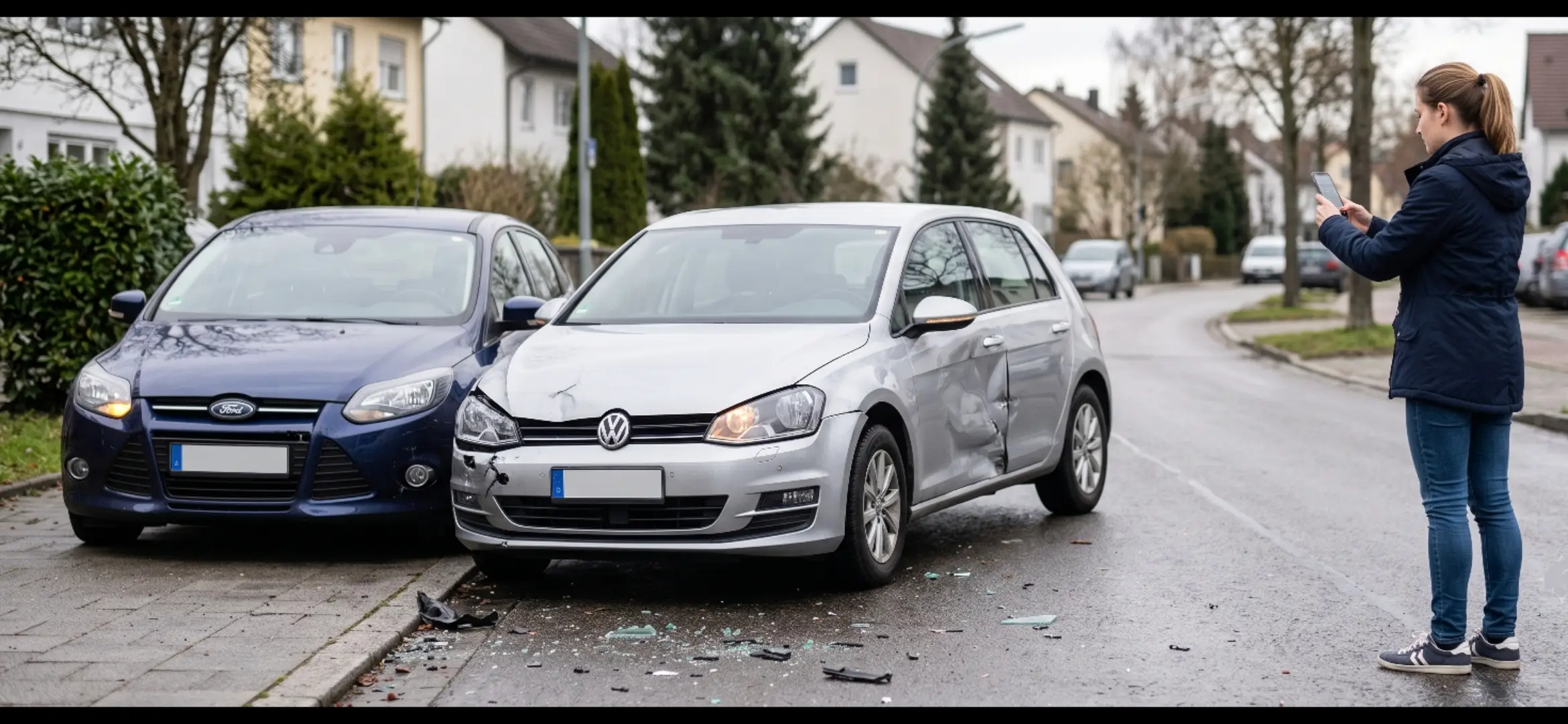
Accident? Take the right steps now.
Stress-free, legally sound evidence capture, guided step by step. 100% free, done in 2 minutes.
What would you like to do?
Accident just happened?
- Safety comes first
- Guided photo capture
- Record location & details
Create accident file
- Record the accident step by step
- Upload documents & photos
- Everything stored securely
Unfall-Ratgeber
Was nach einem Unfall zu tun ist, Schritt für Schritt
No installation needed
Use directly in the browser or as a web app
Guided capture
Clear steps instead of paperwork chaos
GDPR-compliant accident file
Your data is safe and protected
Regional expert network
Fast help from vetted partners
⚠️ Do not sign any admission of guilt! Strictly refuse any settlement attempts by the insurance company.
How it works
Create accident file
Enter accident details
Document photos & sketch
Choose experts
Book appointment
Settle the claim
Alles zu einem Unfall an einer Stelle, unter Ihrer Kontrolle
Vier Ansichten aus einem laufenden Fall, nicht aus einem Entwurf.
- Überblick. Was erledigt ist, was läuft, was ansteht. Ohne anzurufen.
- Unfalldaten. Ort, Zeit, Fahrzeuge, Kennzeichen, Zeugen und die Skizze an einer Stelle.
- Meine Experten. Gutachter, Anwalt, Werkstatt, Abschleppdienst und Mietwagen, dem Fall zugeordnet.
- Posteingang. Dokumente und der Chat mit dem Sachverständigen laufen hier zusammen.


Frequently asked questions
What is a digital accident file?
Your central collection of all accident data: photos, parties, witnesses, documents and the course of events, structured, securely stored and accessible anytime via your personal link.
Do I have to install the app?
No. The app runs directly in your browser. Optionally you can add it to your home screen as a web app, no app store needed.
What does it cost?
For accident victims the app is completely free. If you are not at fault, the opposing liability insurance covers assessor and lawyer costs.
Who receives my data?
Your data stays in your accident file. Network partners such as a lawyer or repair shop only receive it once you explicitly engage them. Details in the privacy policy.
Do I have to call the police?
Yes, if there are injuries, disputed fault, major damage or a hit-and-run. For clear minor damage, exchanging details is often enough, when in doubt, call.
What should I avoid at the scene?
Do not admit fault and do not sign anything unchecked. Instead, calmly document photos, details and witnesses, the app guides you through every step.
Had an accident? Start your digital accident file now.
Record accident now
As an app on your home screen: right at hand when it matters, no searching.
Installation guide
🍎 iOS (Safari): Tap the Share icon (square with arrow) at the bottom and select "Add to Home Screen".
🤖 Android (Chrome): Tap the button above or choose "Add to Home Screen" from the browser menu (⋮).